
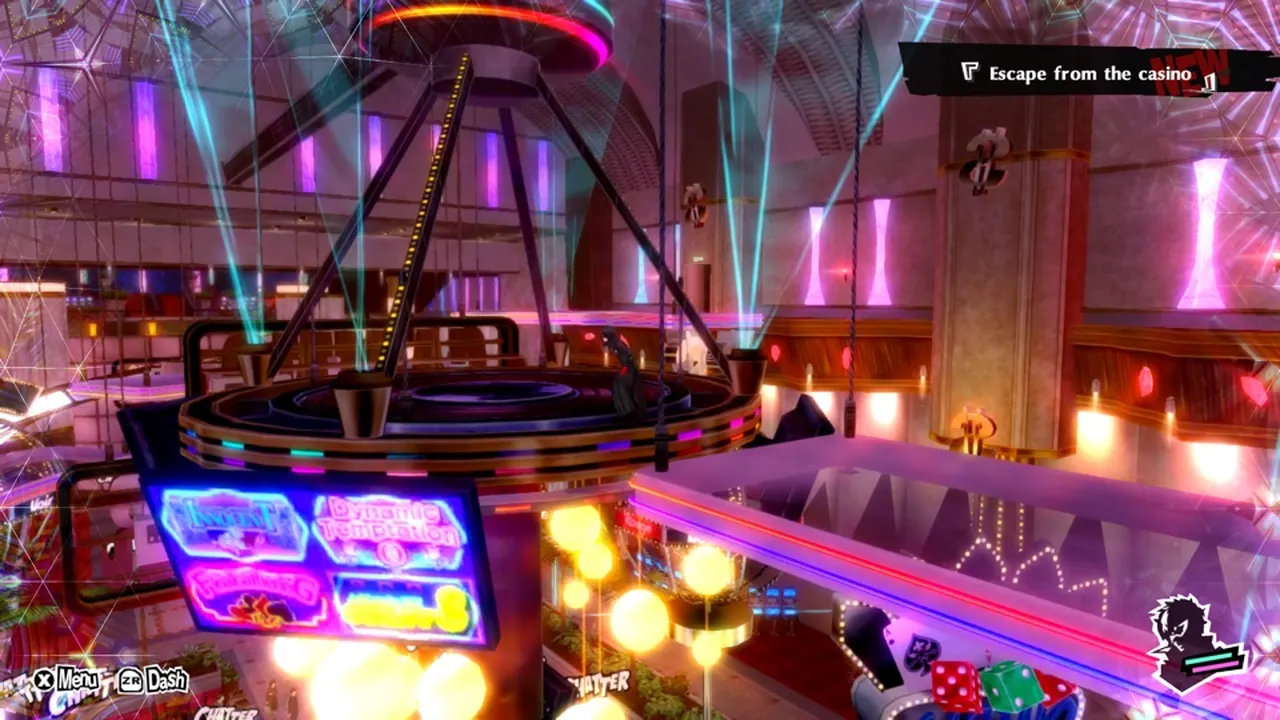

The Build
Peanuts Native download lists Persona 5 Royal at 30 frames per second, as on the console, with a companion. The newest release cuts first-start stutter in this game too, so the opening hours settle faster than they did in earlier builds. The Fire Emblem games and Saves guide guides cover the neighbouring steps.
Build with the supported update, and give the first session a few minutes before judging smoothness. Shader work settles as you play new areas.
The Companion
On a dual-screen handheld, the companion shows party and live details while the game runs on top, which suits a long role-playing game: check the party without pausing the scene. The stats page can replace the companion view if you prefer live numbers.
A Long Game
Persona 5 Royal is a long game, and the per-user saves matter here: the Saves tab works on the save of the user you pick, and a save can be copied to another user. Back up saves before rebuilds, since a rebuild is the one moment a save can surprise you.