
Guides
First builds, the AYN Thor, Turnip drivers, companions, cheats, saves, graphics settings, TV play, and the fixes for the problems that actually happen.
 Guide How to Build Your First Game in Peanuts Native Build your first game in Peanuts Native: keys, firmware, game folder, the Build tap, and what to expect while it runs.
 Guide Peanuts Native on the AYN Thor: Setup and Second Screen Set up Peanuts Native on the AYN Thor, the dual-screen handheld the project is developed and tested on, and get the companion running.
 Guide Turnip Drivers in Peanuts Native, Explained Turnip drivers decide how Peanuts Native games look on Snapdragon phones. Here is what Turnip is, how to pick a build, and what to do when the picture breaks.
 Guide Peanuts Native on Single-Screen Phones Peanuts Native works on single-screen phones too. Here is what changes without a second screen, and what still works exactly the same.
 Guide Peanuts Native Build Times, Explained Builds take five to forty minutes, and rebuilds are faster. Here is what the build does, why it takes that long, and how the queue helps.
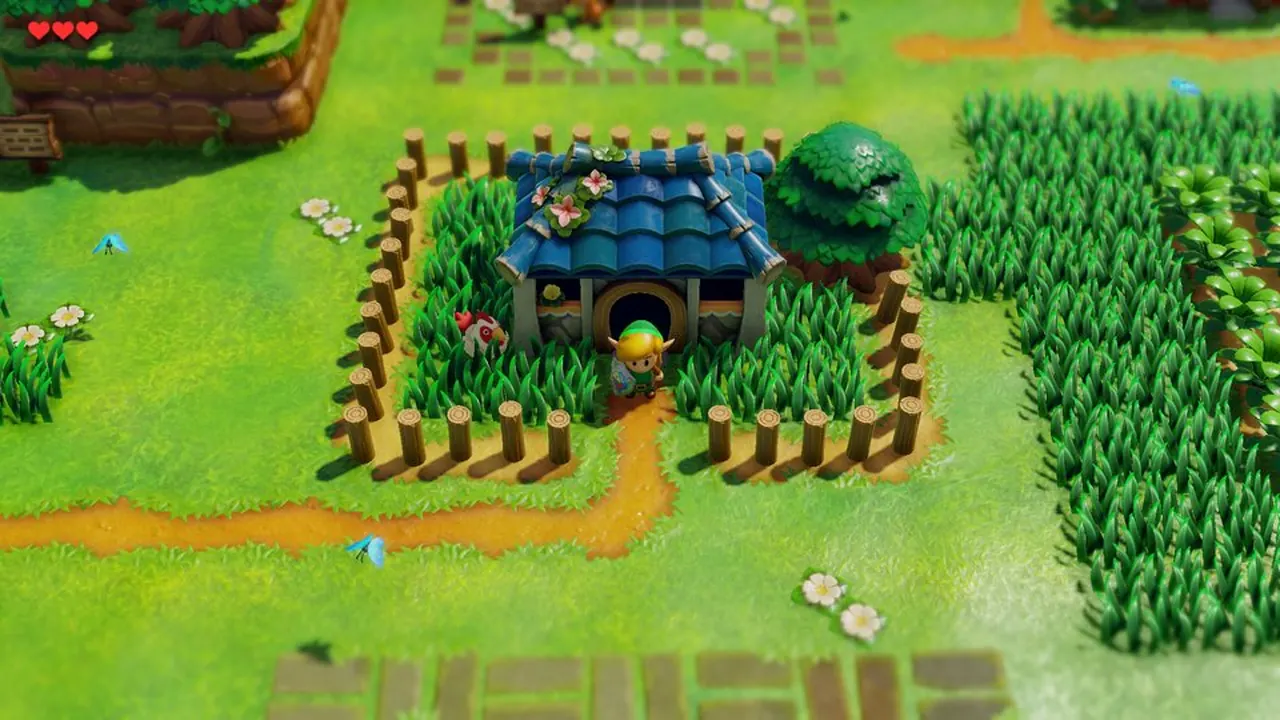 Guide Zelda Games in Peanuts Native The Zelda games are the showcase titles for Peanuts Native: Link's Awakening and Echoes of Wisdom at 60 frames per second, and the big open adventures with companions.
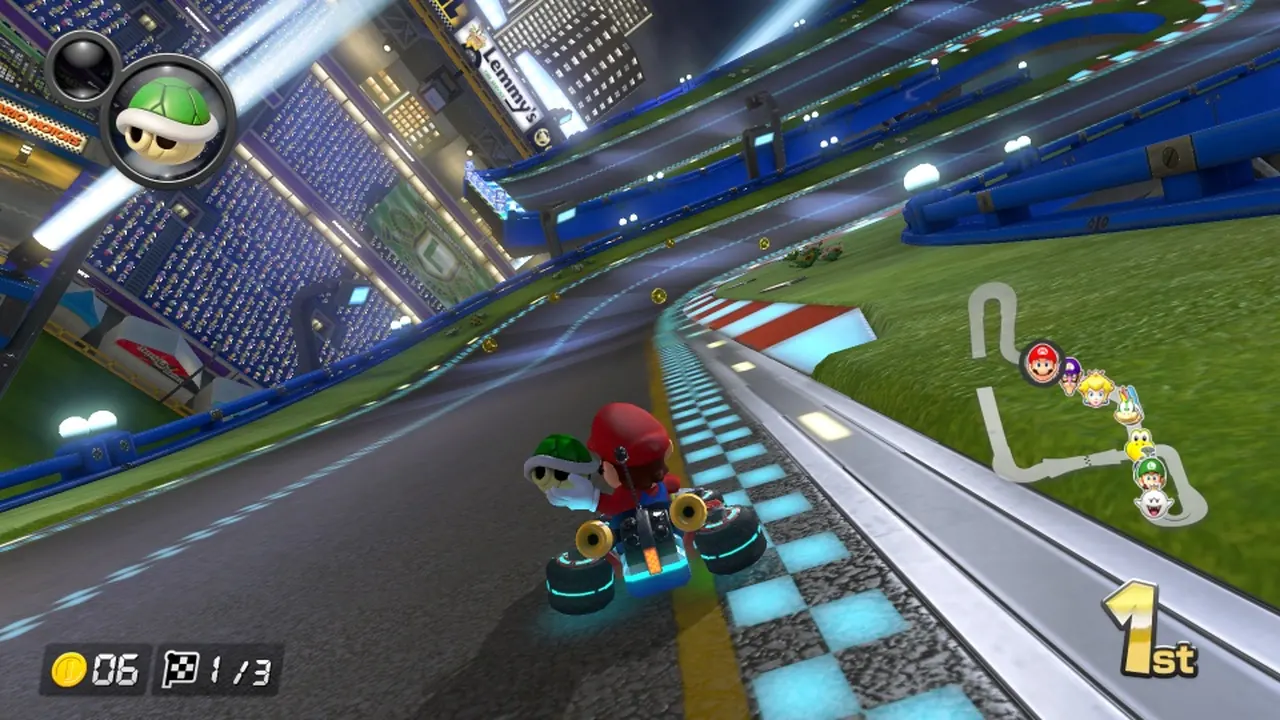 Guide Mario Kart 8 Deluxe in Peanuts Native Mario Kart 8 Deluxe runs at 60 frames per second in Peanuts Native with a companion. Setup notes, driver notes, and what to check first.
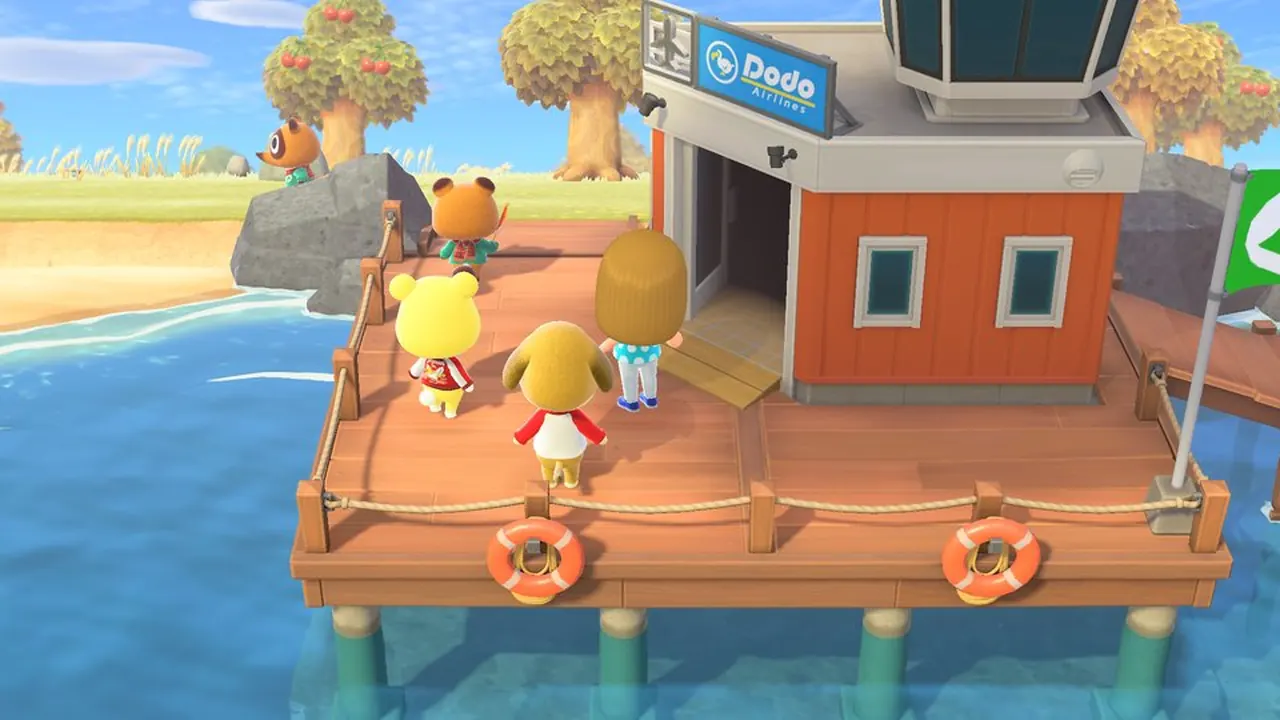 Guide Animal Crossing: New Horizons at 60 FPS in Peanuts Native Animal Crossing: New Horizons gains a 60 frames per second cap in the newest Peanuts Native release, with the speed fix built in. How to get it.
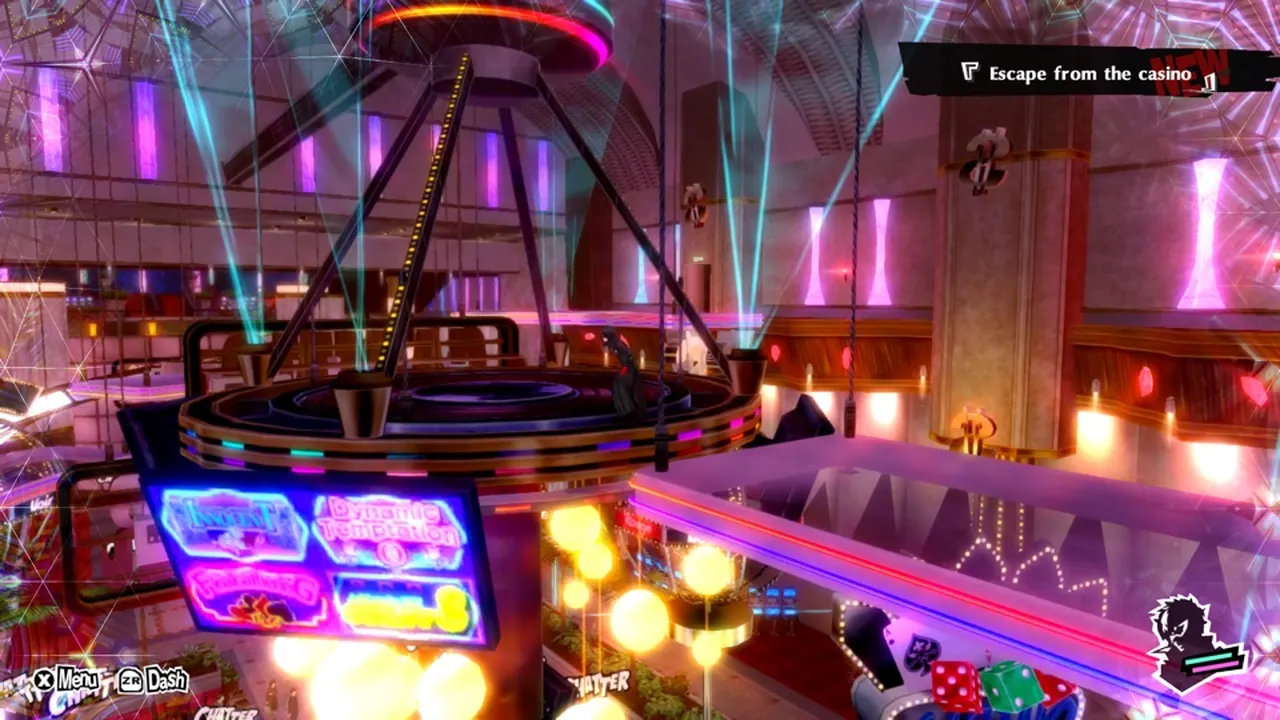 Guide Persona 5 Royal in Peanuts Native Persona 5 Royal runs at 30 frames per second in Peanuts Native with a companion. What to expect from the build, and how the second screen helps.
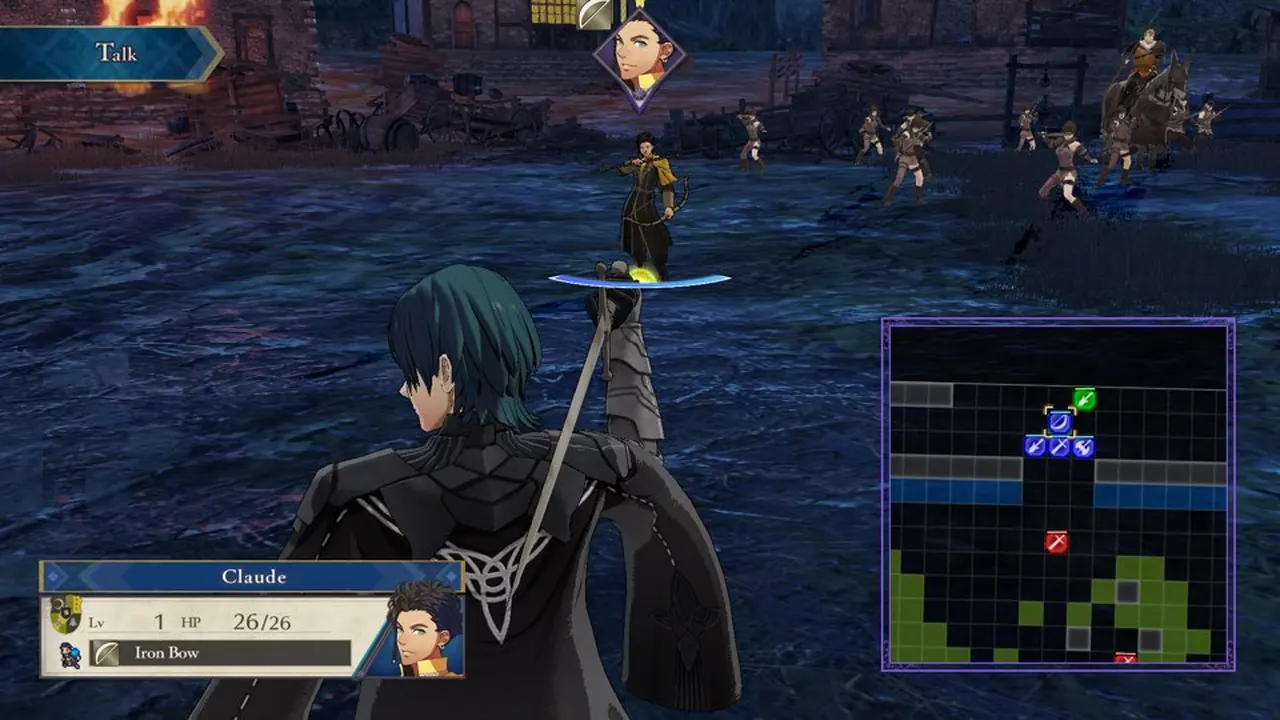 Guide Fire Emblem Games in Peanuts Native Fire Emblem: Three Houses and Fire Emblem Engage both run at 60 frames per second in Peanuts Native, with companions. Notes for tactics players.
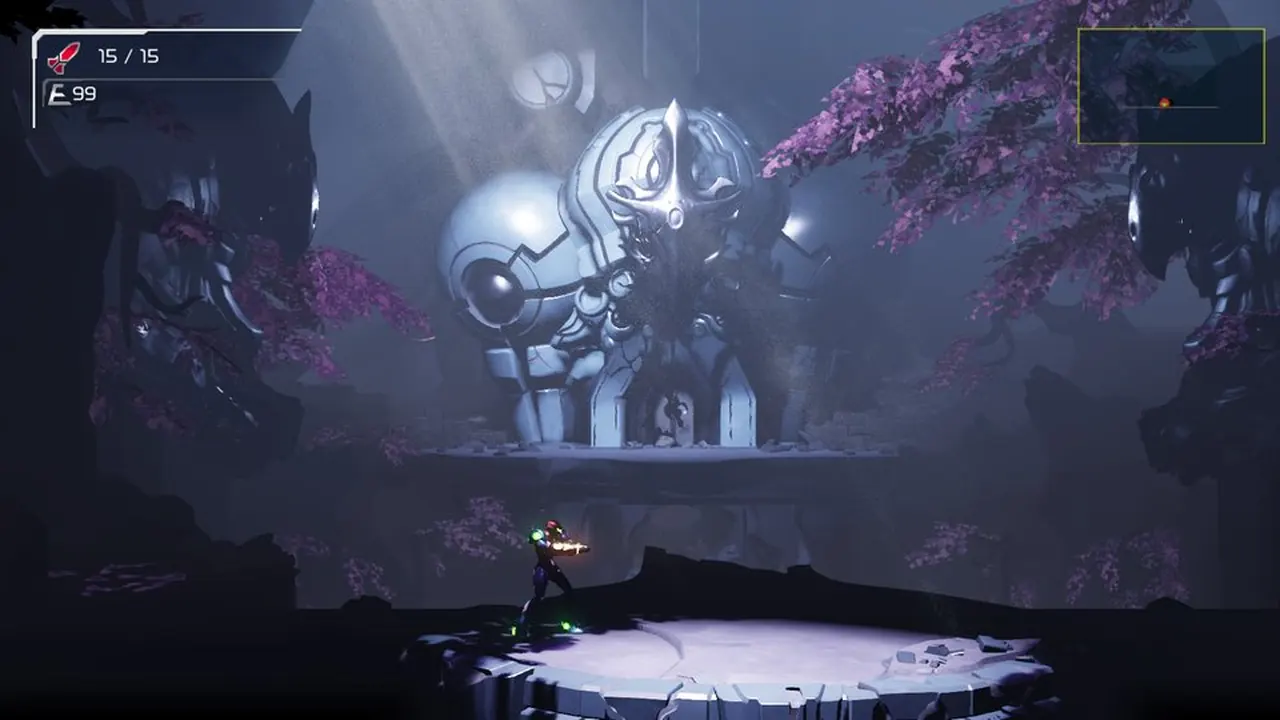 Guide Metroid Dread in Peanuts Native Metroid Dread runs at 60 frames per second in Peanuts Native with a companion. Notes on the map, the build, and first-start stutter.
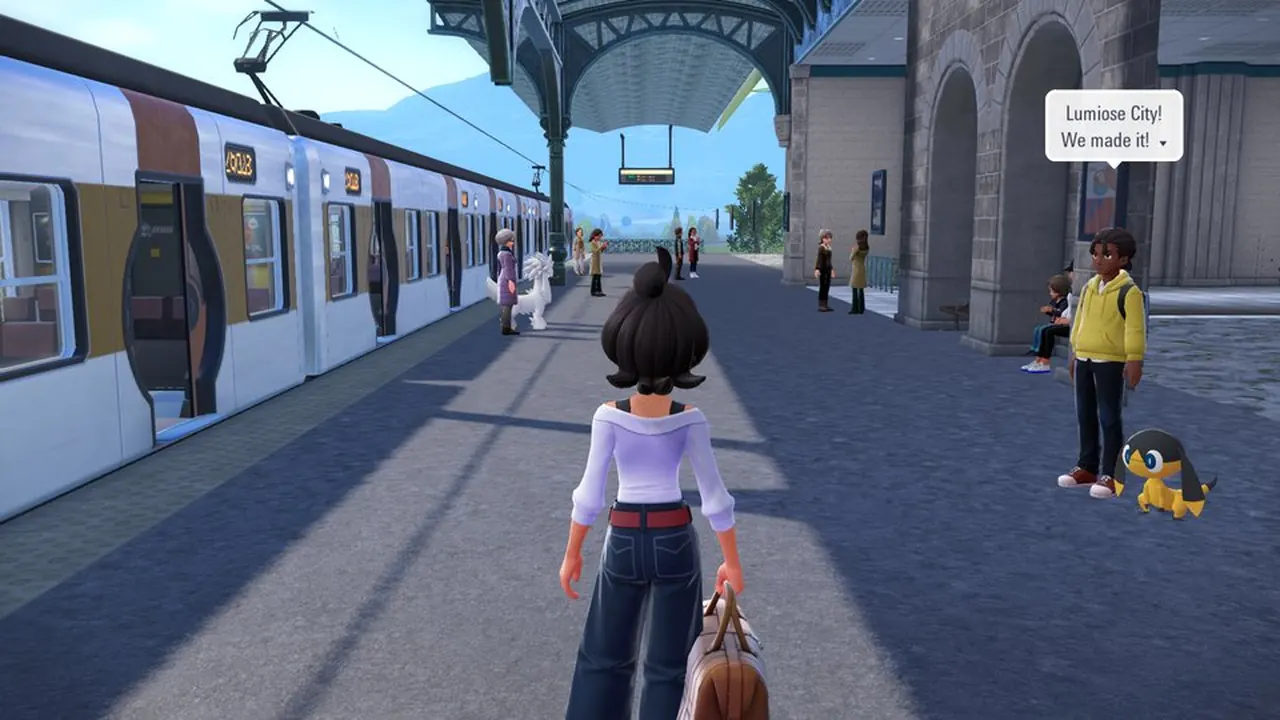 Guide Pokemon Games in Peanuts Native Pokemon Brilliant Diamond, Shining Pearl, Sword, Shield, Legends: Arceus, and the Let's Go games in Peanuts Native, with driver notes that matter.
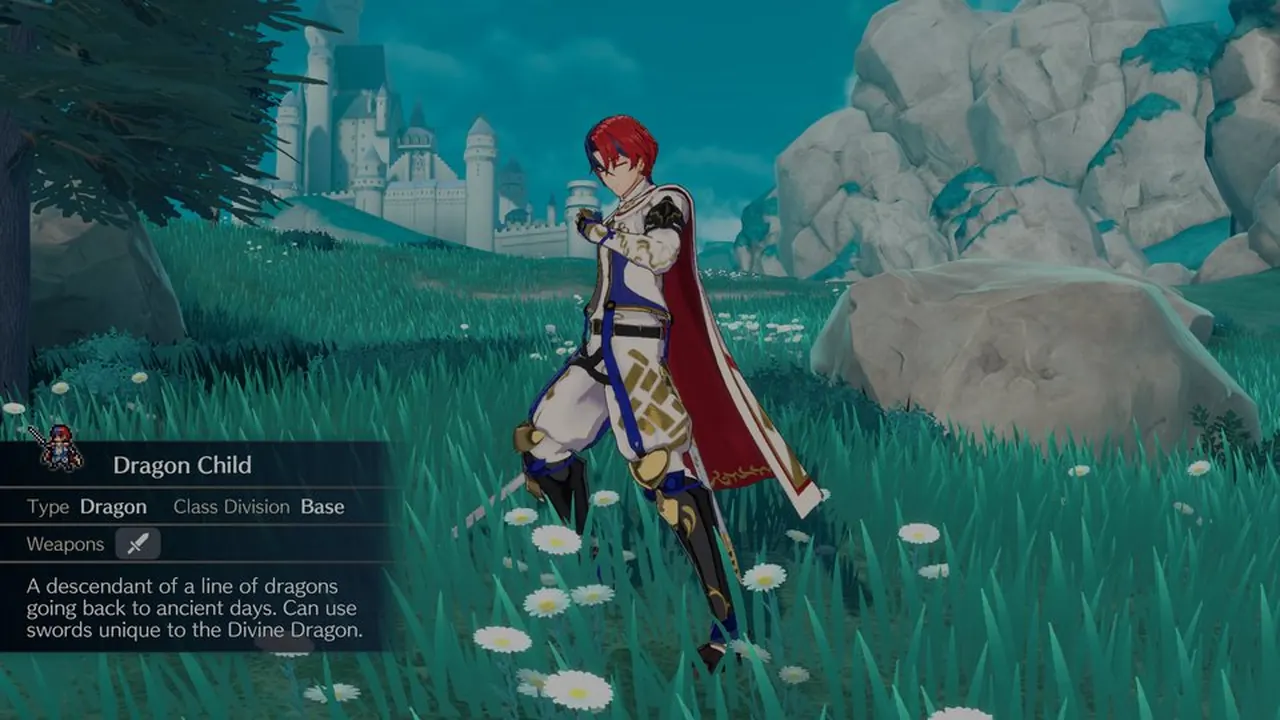 Guide Companions in Peanuts Native: The Second Screen, Explained Companions are Peanuts Native's second screen: live maps, parties, items, and quests, plus installing companions from a file and rolling them back.
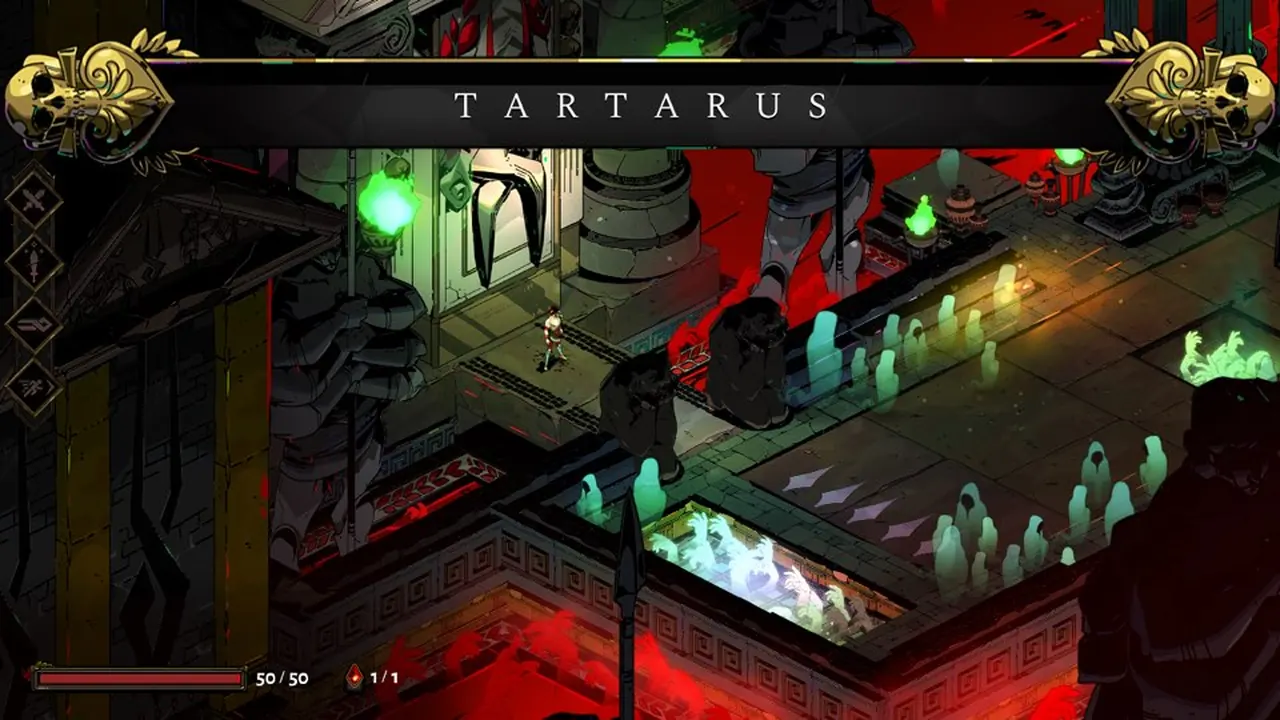 Guide Cheats and Mods in Peanuts Native The Mods and Cheats area, the in-game Mods tab, and the current limits on mods. What works, where it lives, and how to toggle cheats mid-game.
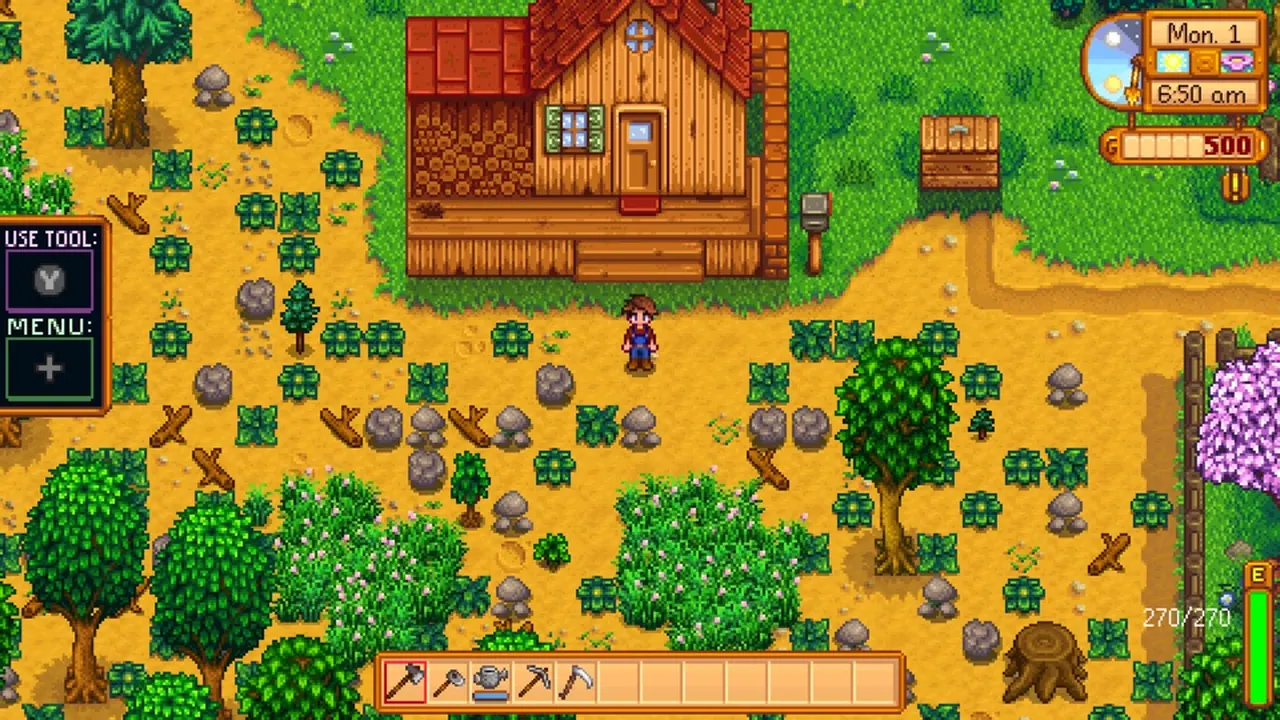 Guide Saves in Peanuts Native: Per-User Saves and Copies Saves are per user in Peanuts Native, and a save can be copied to another user. How the Saves tab works, and how to protect a long playthrough.
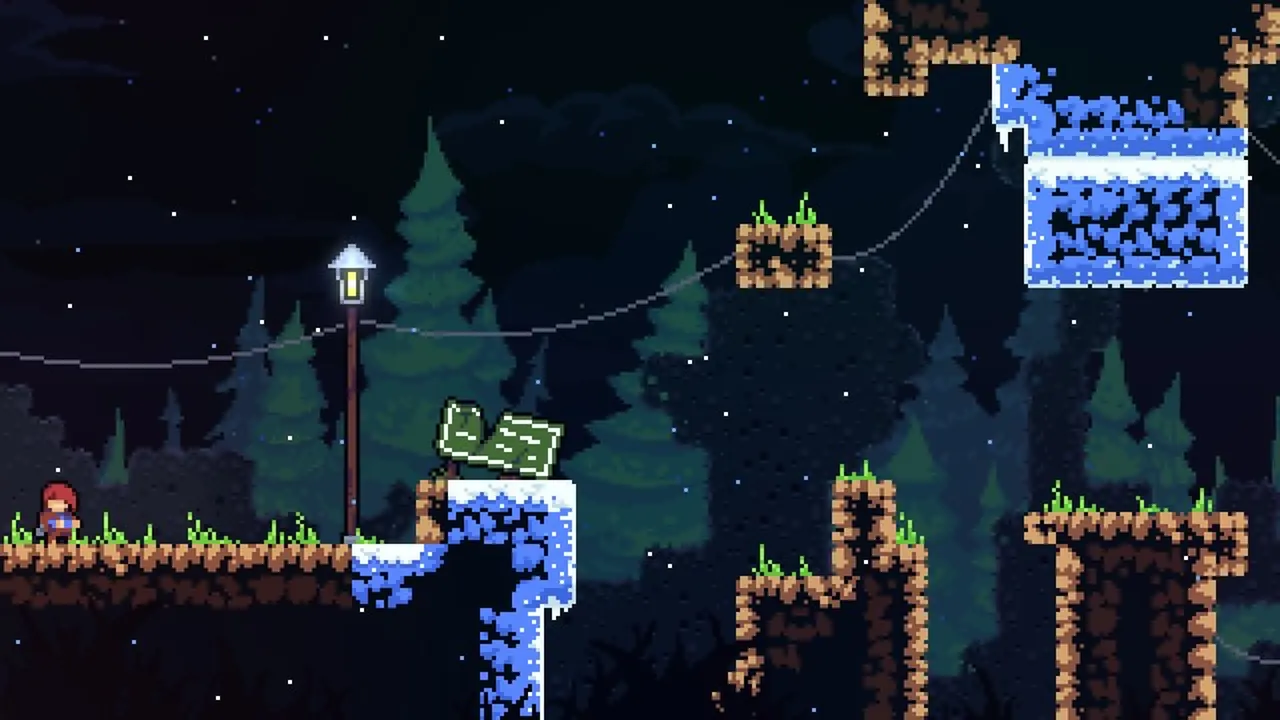 Guide Graphics Settings in Peanuts Native Frame rate caps, the overlay pill, CRT filters, and the stats page: the graphics settings that change how Peanuts Native games look and feel.
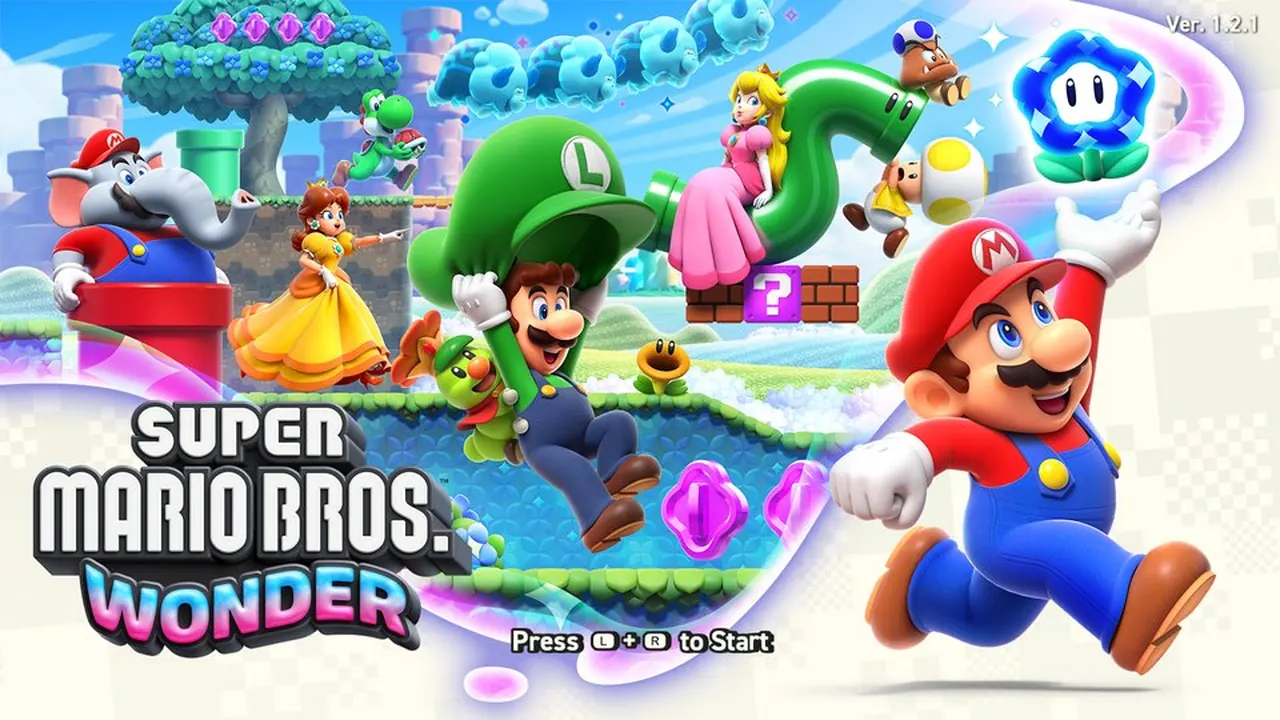 Guide Peanuts Native on TV and Monitors Peanuts Native never takes a connected TV for the second screen. How TV play works, and the setting that starts a game full screen on the TV.
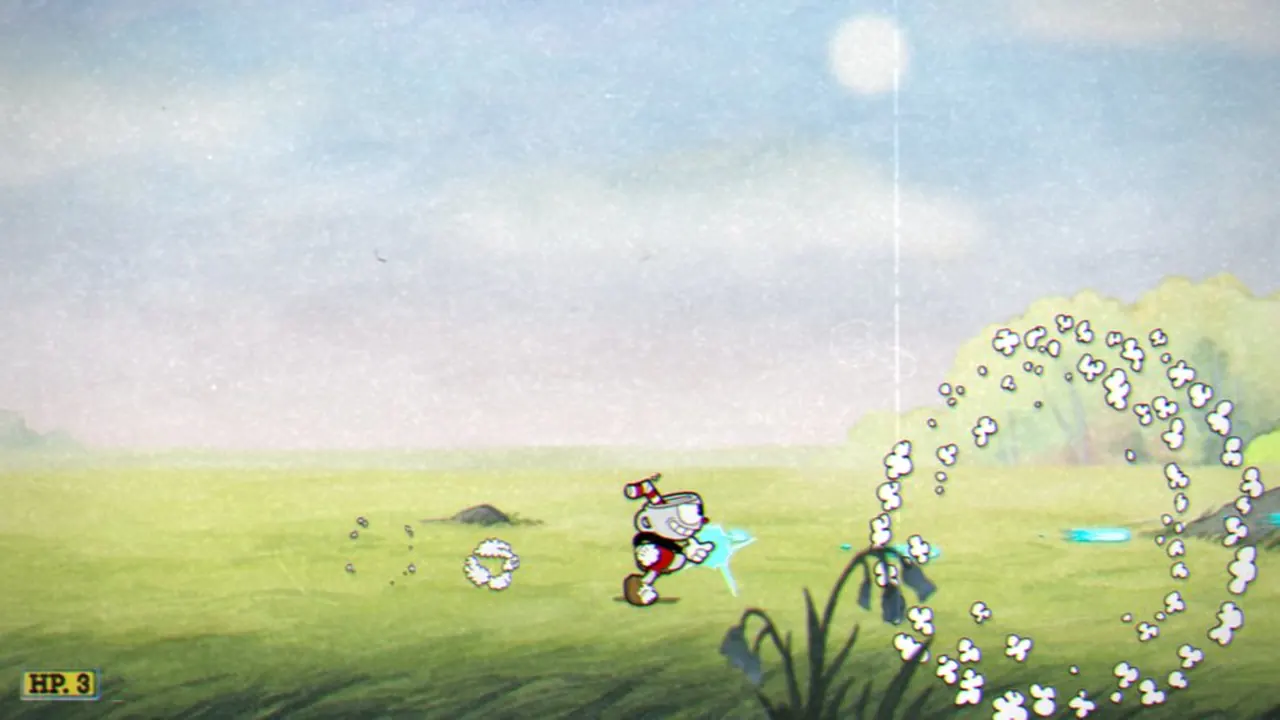 Guide Peanuts Native Build Problems: Fixes That Work Builds that will not start, broken pictures, and stale graphics: the fixes that work, in the order to try them.
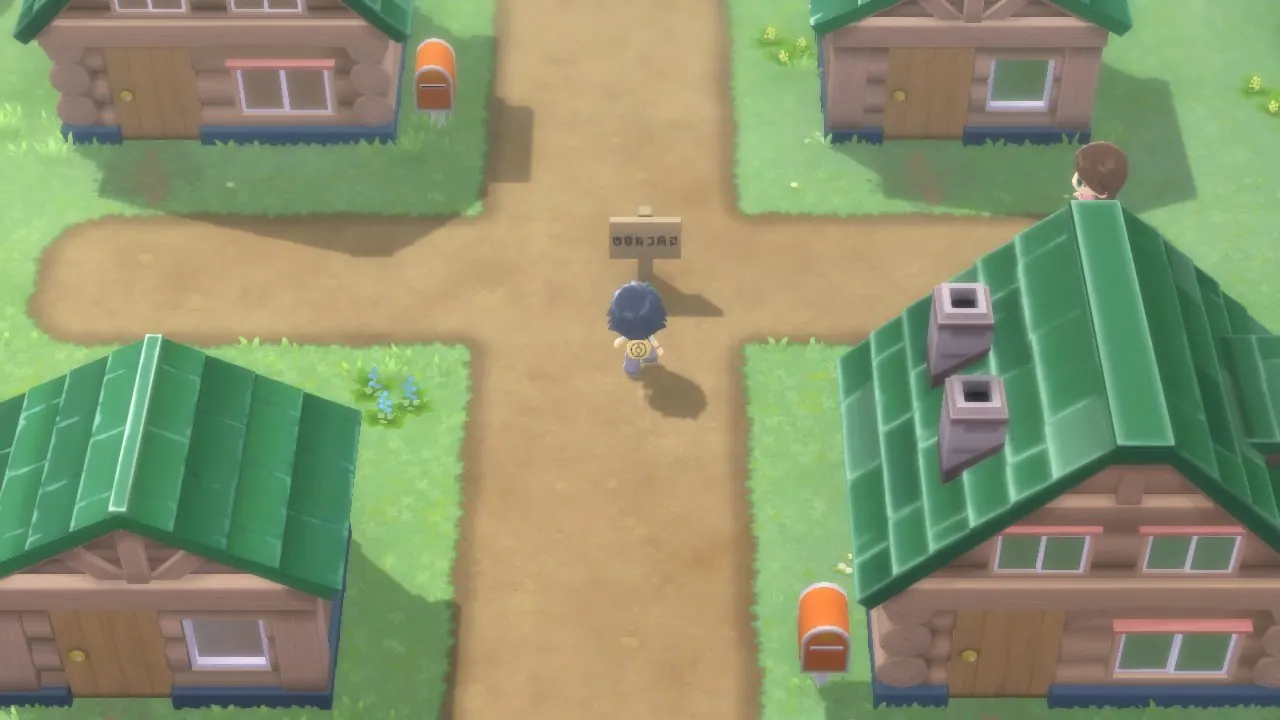 Guide Storage in Peanuts Native: Build Folders and Free Space Builds are big. How the build folder works, how much space to keep free, and how to reclaim space after a game is done building.
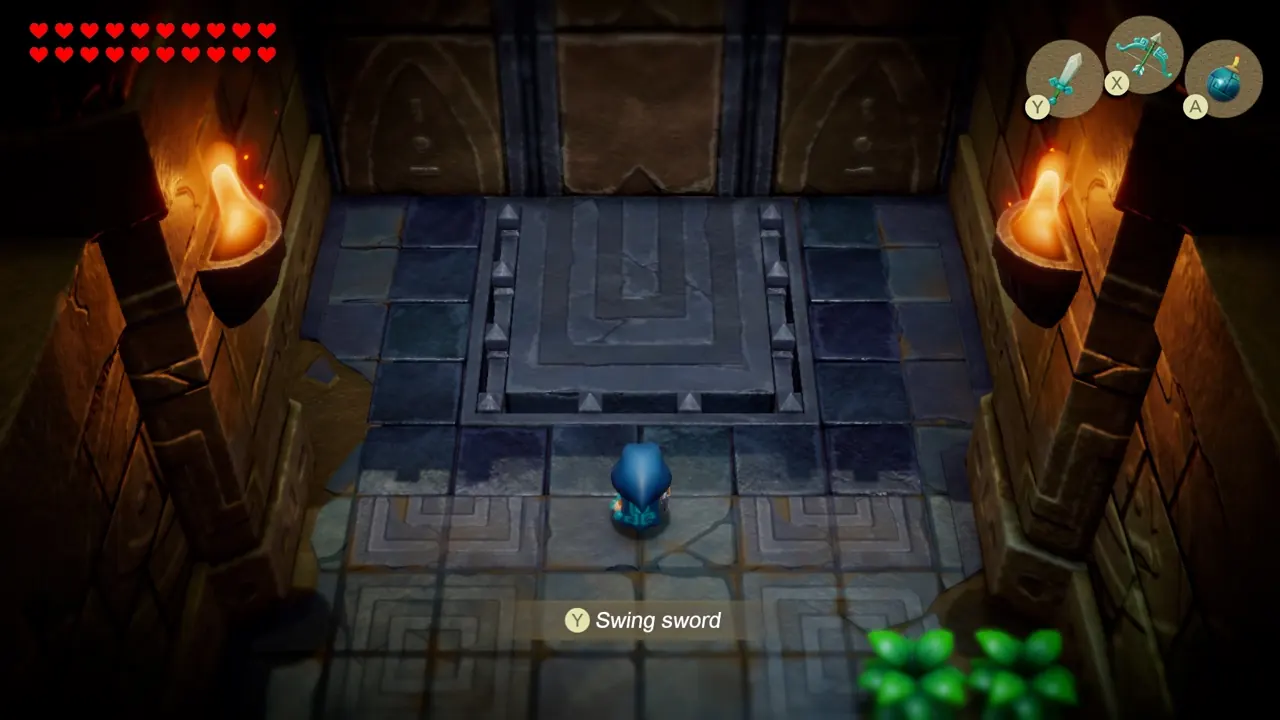 Guide Updating Peanuts Native and Your Built Games New releases arrive often. How to update the app, rebuild your games, and pick up new updates and add-ons without losing saves.