

Peanuts Native
Guide

Mario Kart 8 Deluxe in Peanuts Native

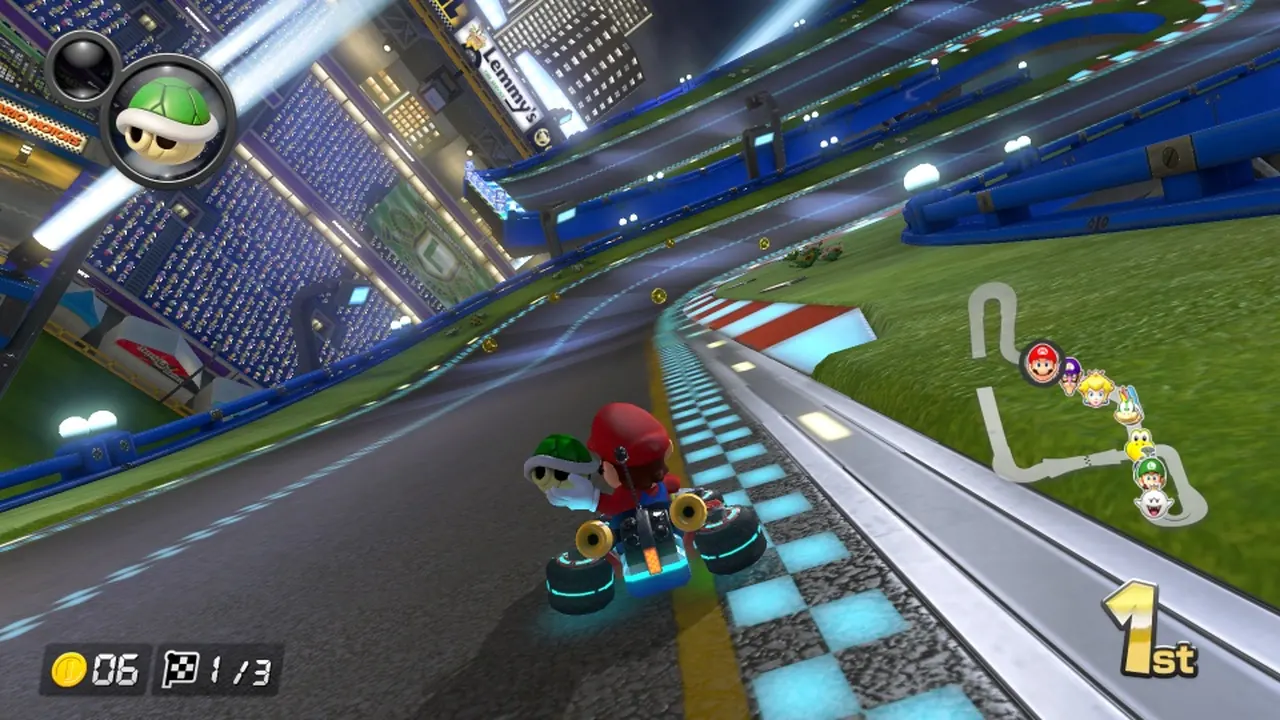
Mario Kart 8 Deluxe gameplay art from the Peanuts Native project gallery

Performance

Peanuts Native APK lists Mario Kart 8 Deluxe at 60 frames per second with a companion, and it is one of the most reliable builds in the supported list. The newest release also cuts first-start stutter in this game, so the opening races settle quickly. The Zelda games and Graphics settings guides cover the neighbouring steps.

Build with the supported update shown on the game page. The app asks before building with any other update, and sticking to the supported one avoids surprises in cup progression.

Driver Notes

Use the recommended Turnip build for your phone. If the picture breaks, switch drivers before blaming the build: the driver lists mark builds known to draw broken images on your phone.

Playing

On the Thor, the race runs on the top screen and the companion sits below. The stats page can be swapped in for the companion view if you would rather watch the frame rate cap and temperature while you race.

Peanuts Native APK Questions

What frame rate does Mario Kart 8 Deluxe run at?

60 frames per second on a capable phone, per the supported games list.

Does it have a companion?

Yes, a companion is listed for Mario Kart 8 Deluxe.

What if the picture is broken?

Check the GPU driver first and switch to the recommended Turnip build.

Diego Ramirez

Written by

Diego Ramirez

Android Handheld Reviewer and APK Tester

Diego tests Android handhelds the way players actually use them: long sessions, real game libraries, and the settings that matter when a frame rate cap is the difference between smooth play and a slideshow. He covers native game translation and dual-screen handhelds, and he checks every Peanuts Native requirement, driver note, and install step against the project documentation before it goes up.