

The Lineup
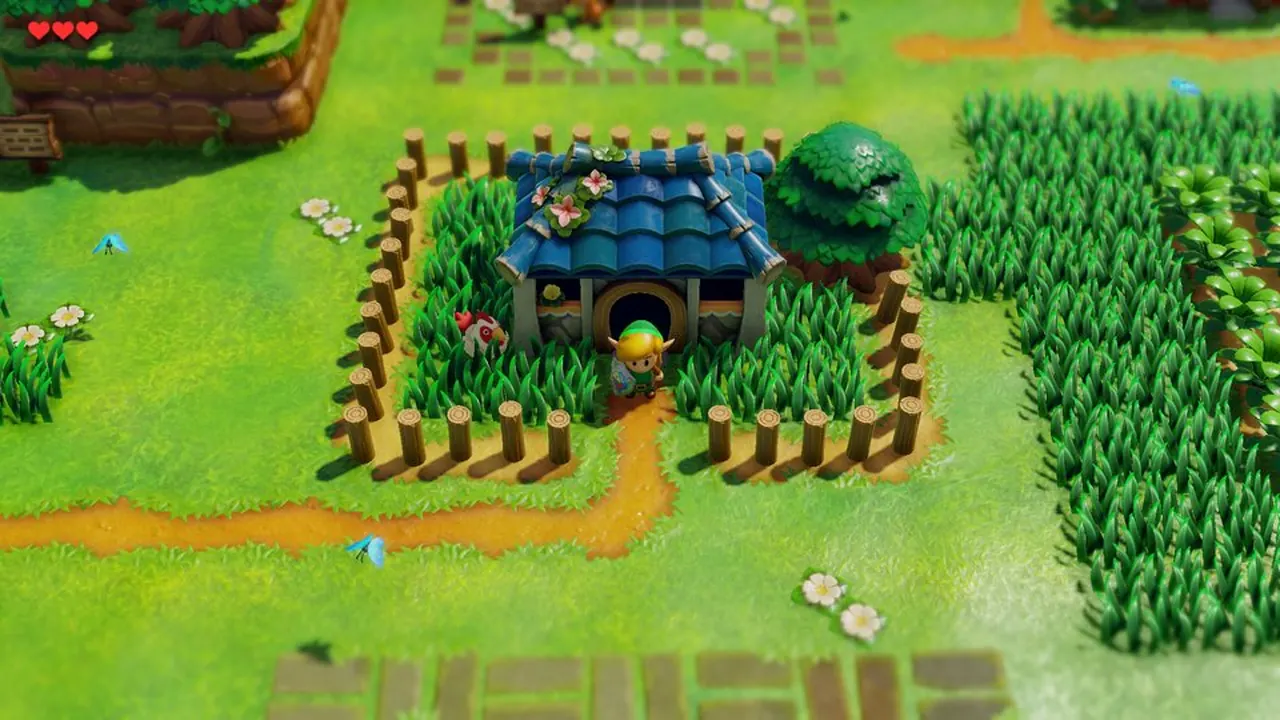
Peanuts Native handheld guide supports the Zelda games players ask about first: Link's Awakening, Echoes of Wisdom, Skyward Sword HD, Breath of the Wild, and Tears of the Kingdom. Link's Awakening and Echoes of Wisdom run at 60 frames per second with companions, and Breath of the Wild runs with its companion while Tears of the Kingdom runs without one for now. The Mario Kart 8 Deluxe and Companions guide guides cover the neighbouring steps.
Each game entry shows the update it supports, so check the update you dumped against the supported one before building. The app asks before building with any other update.
The Open Adventures
Breath of the Wild and Tears of the Kingdom are the heaviest builds in the list, and their first starts can stutter while shader work settles. The newest release cuts first-start stutter in both games. Give each a few minutes of play before judging smoothness, and keep the frame rate cap at the level the game can hold.
Companion Maps
On a dual-screen handheld, the companion shows the live map while you roam, which is the single best use of the second screen in these games. Party and quest views appear where the game supports them, read live from the running game.