

Peanuts Native
Guide

Metroid Dread in Peanuts Native

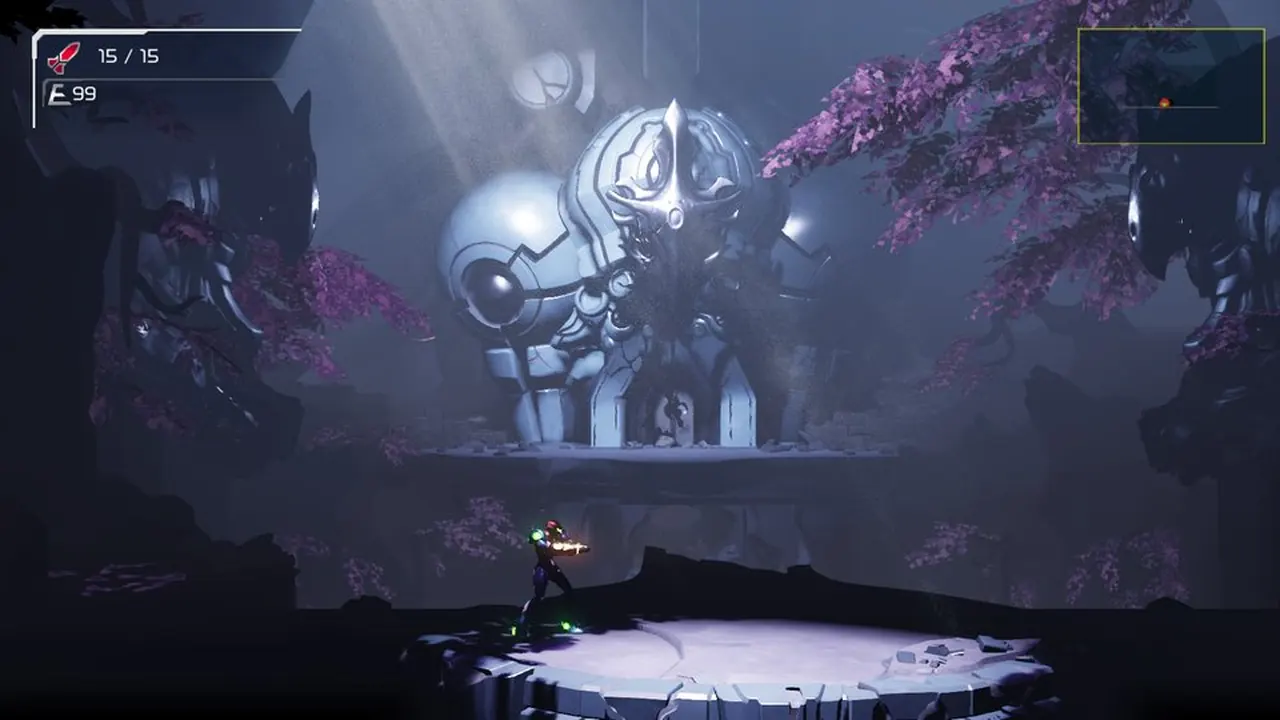
Metroid Dread gameplay art from the Peanuts Native project gallery

The Build

Peanuts Native on Android lists Metroid Dread at 60 frames per second with a companion, and the newest release cuts its first-start stutter. The game is a strong test of the native approach: fast movement, frequent area changes, and a map you check constantly. The Mario Kart 8 Deluxe and Graphics settings guides cover the neighbouring steps.

Build with the supported update and give the opening area a few minutes. Shader work settles as new rooms load, and the game smooths out quickly.

The Map Companion

The companion map is the reason to play this one on a dual-screen handheld. The live map sits on the bottom screen while Samus moves on top, so route checks never pause the action.

Controls

Use the frame rate cap list to pick a cap the game can hold. Caps above your screen refresh rate are greyed out with the reason, so the list never promises what the hardware cannot show.

Peanuts Native APK Questions

What frame rate does Metroid Dread run at?

60 frames per second on a capable phone.

Does it have a companion?

Yes, including a live map on the second screen.

Why does it stutter at first?

First-start shader work. The newest release reduces it, and play smooths it out.

Diego Ramirez

Written by

Diego Ramirez

Android Handheld Reviewer and APK Tester

Diego tests Android handhelds the way players actually use them: long sessions, real game libraries, and the settings that matter when a frame rate cap is the difference between smooth play and a slideshow. He covers native game translation and dual-screen handhelds, and he checks every Peanuts Native requirement, driver note, and install step against the project documentation before it goes up.