
The New Cap
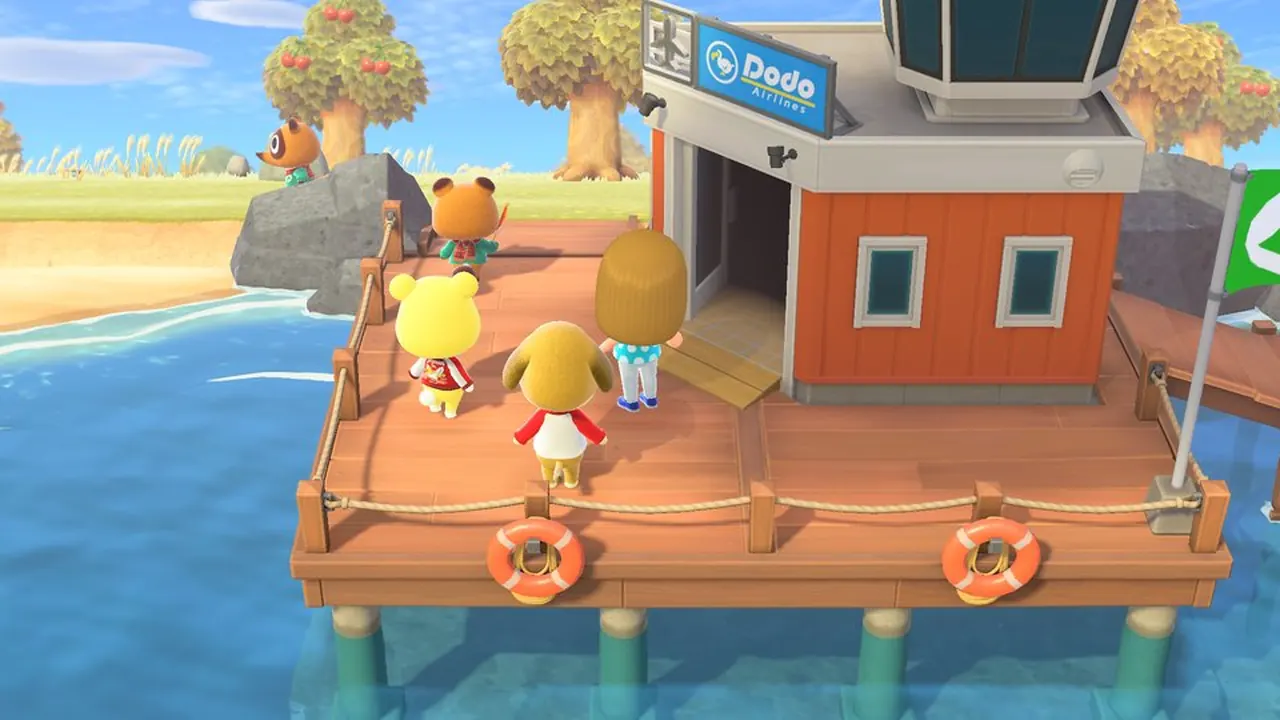
Peanuts Native for Android adds a 60 frames per second cap for Animal Crossing: New Horizons with its latest update, with a community speed fix built in so the game keeps its normal speed at the higher cap. The game starts at 60 frames per second, and the 30 frames per second option stays in the list for phones that prefer it. The Zelda games and Persona 5 Royal guides cover the neighbouring steps.
Build the game again once to add the new cap. A game built before the new release needs a rebuild before the cap appears.
Companion and Play
The game has a companion, so the island map and live details can sit on the bottom screen of a dual-screen handheld while you play on top. The frame rate cap list shows only caps the game can hold, so if 60 is greyed out, your screen refresh rate is the reason and the list says so.
Island Life at 60
Animal Crossing at the higher cap feels calmer rather than faster: scrolling stays smooth and the island keeps its own pace. It is the rare case where a higher frame rate makes a slow game feel more like itself.